

Open a world of possibilities…
Getting your National Digital ID is simple. Self-enrol from your phone and have it created for you.
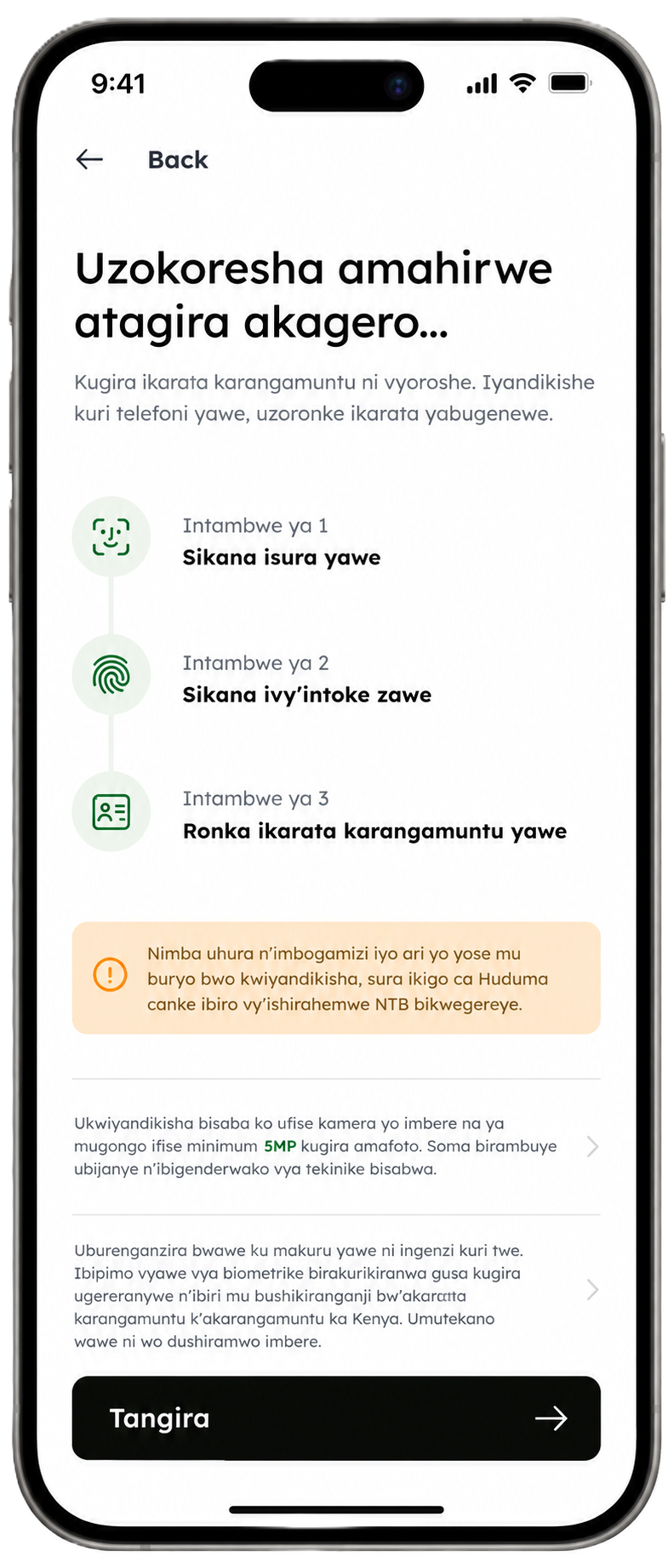
Step 1
Scan your face
Step 2
Scan your fingerprints
Step 3
Receive your Digital ID
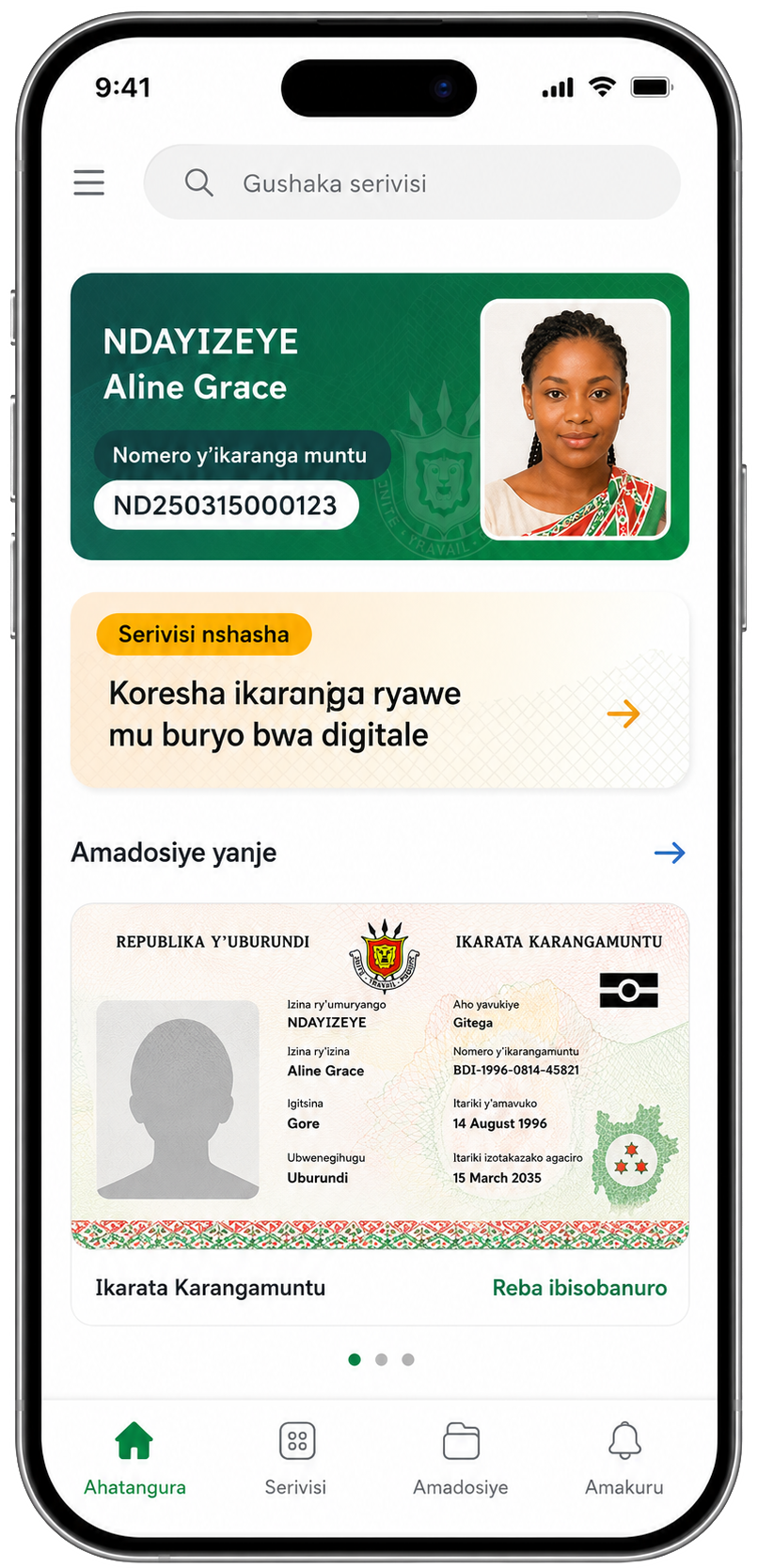
Download & Log into your bumwe App
Search for the bumwe App on Google Playstore and download the app. Once installed, log into your bumwe account.
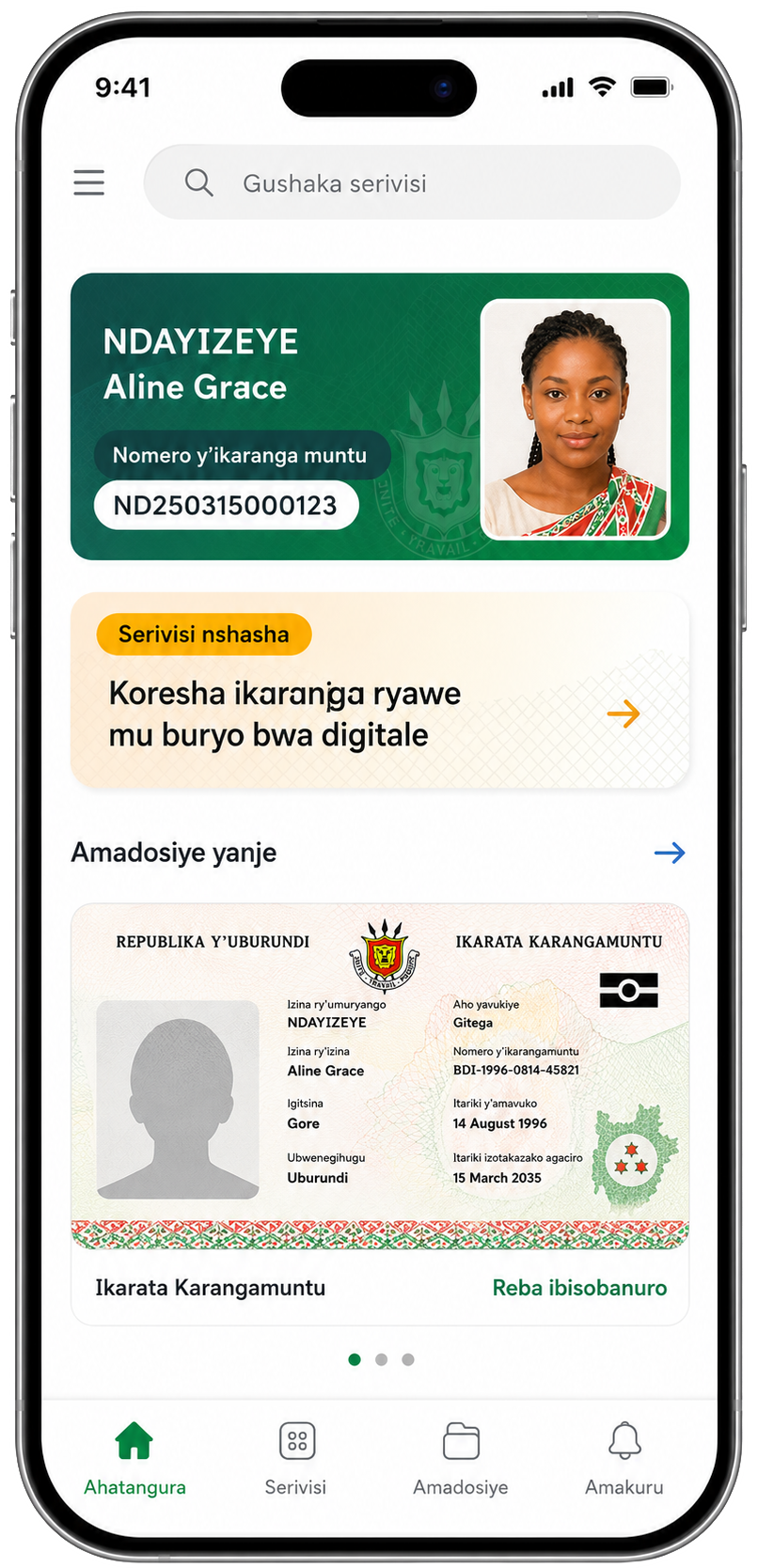
Go through the self-activation guide
Take a few minutes to go through the policies, instructions for self-onboarding and the terms and conditions before continuing to the next step.
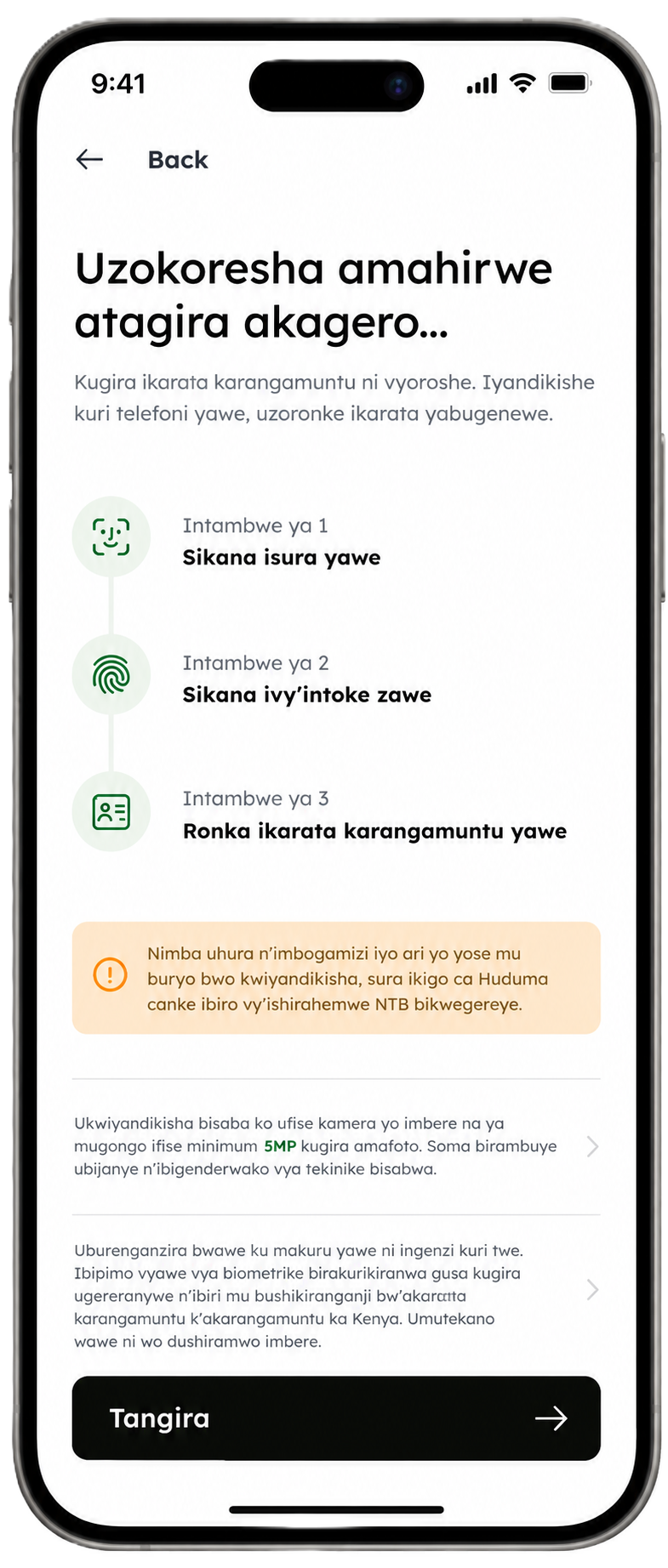
Scan your face for verification
To verify that it is you, you are required to scan your face with your phone camera. The app will load and process your image. If you are unable to scan your face, you can use the assisted activation route to activate your digital ID.
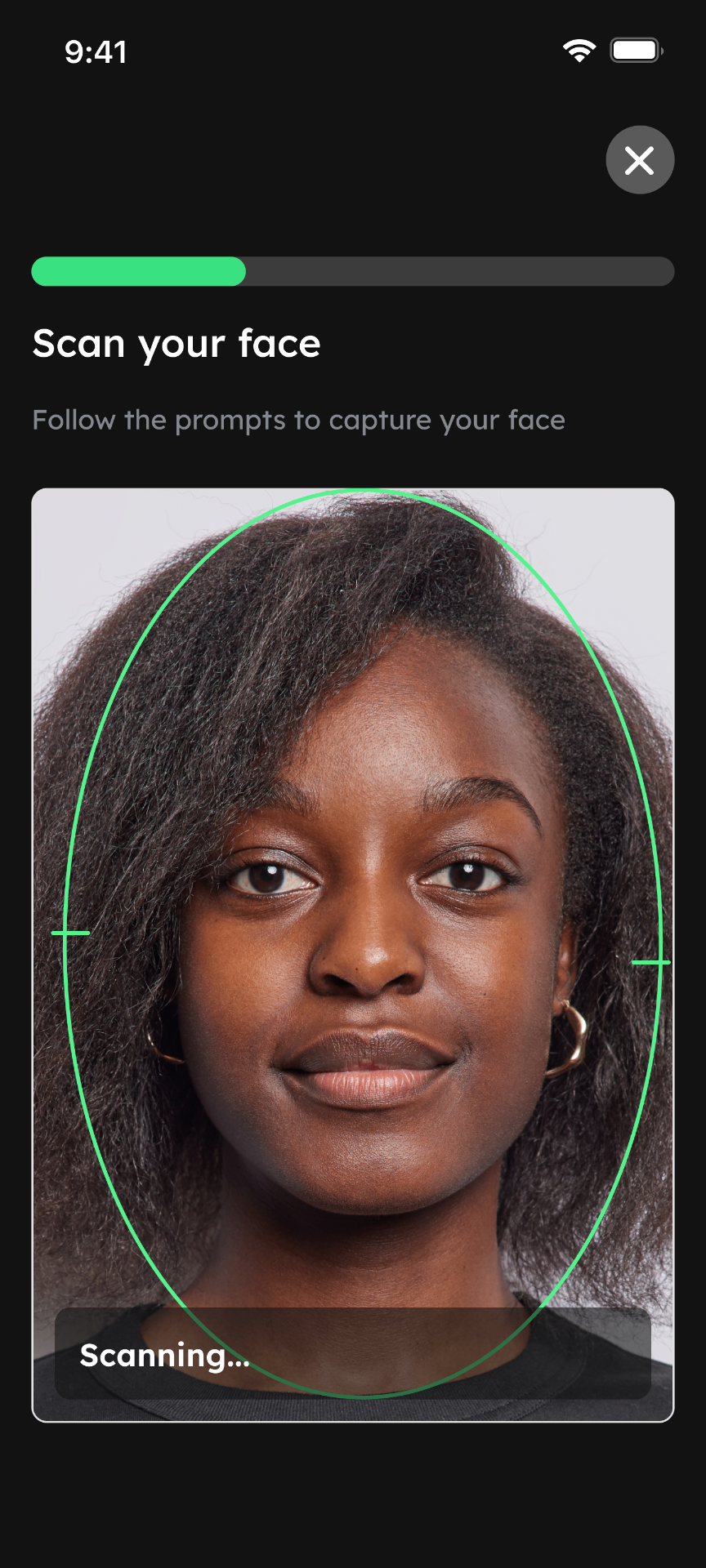
Scan your fingerprints for verification
You are also required to scan four of your fingers in the self-activation process. You can choose either hand and record the hand with your phone camera to scan.
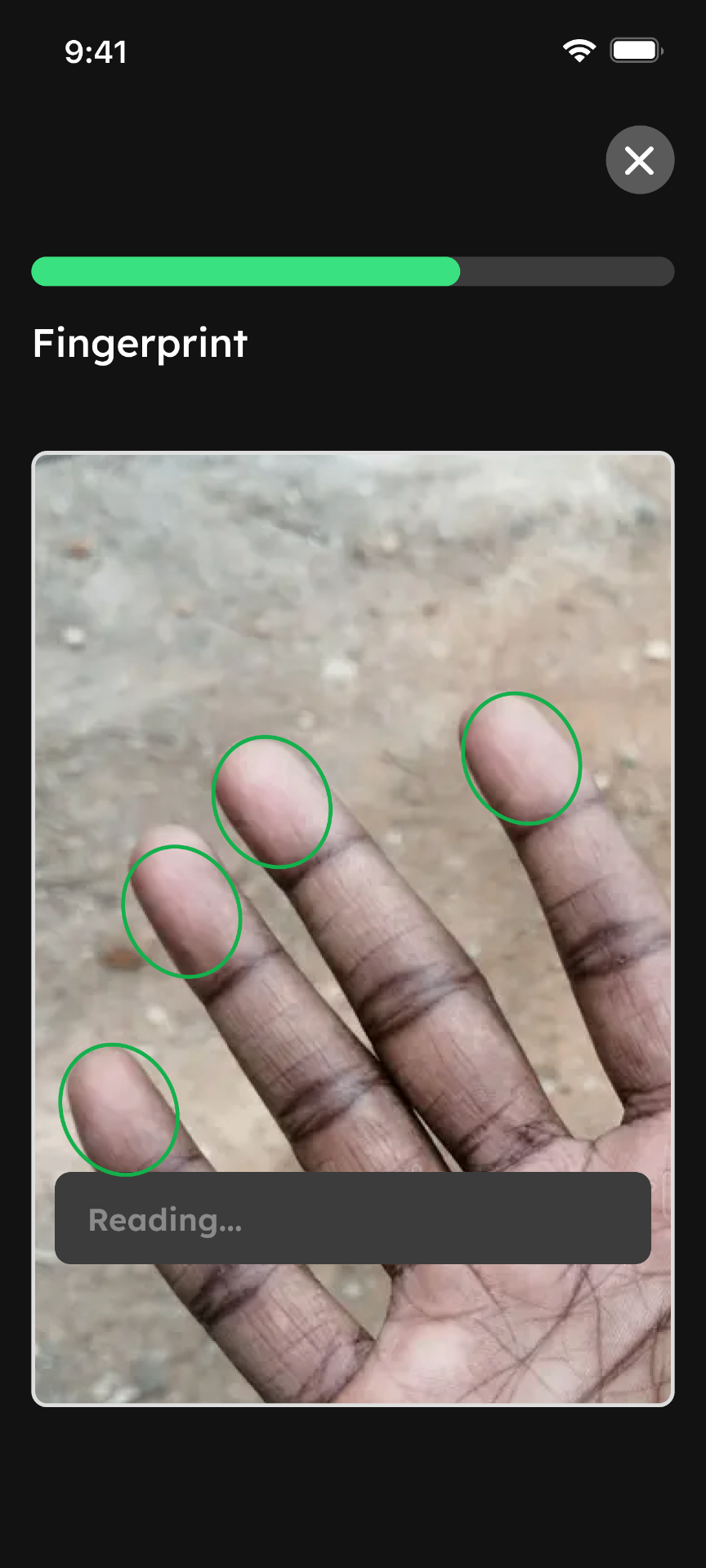
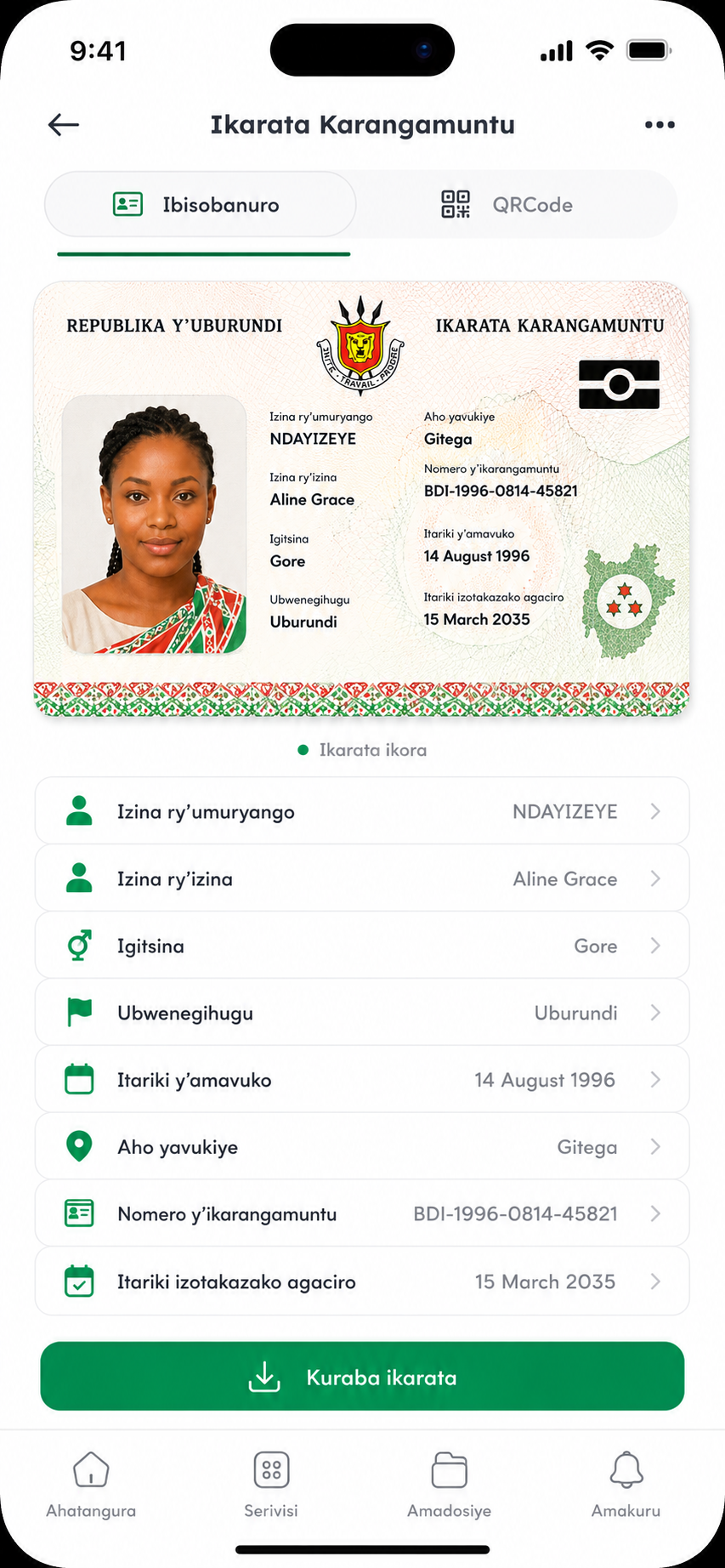
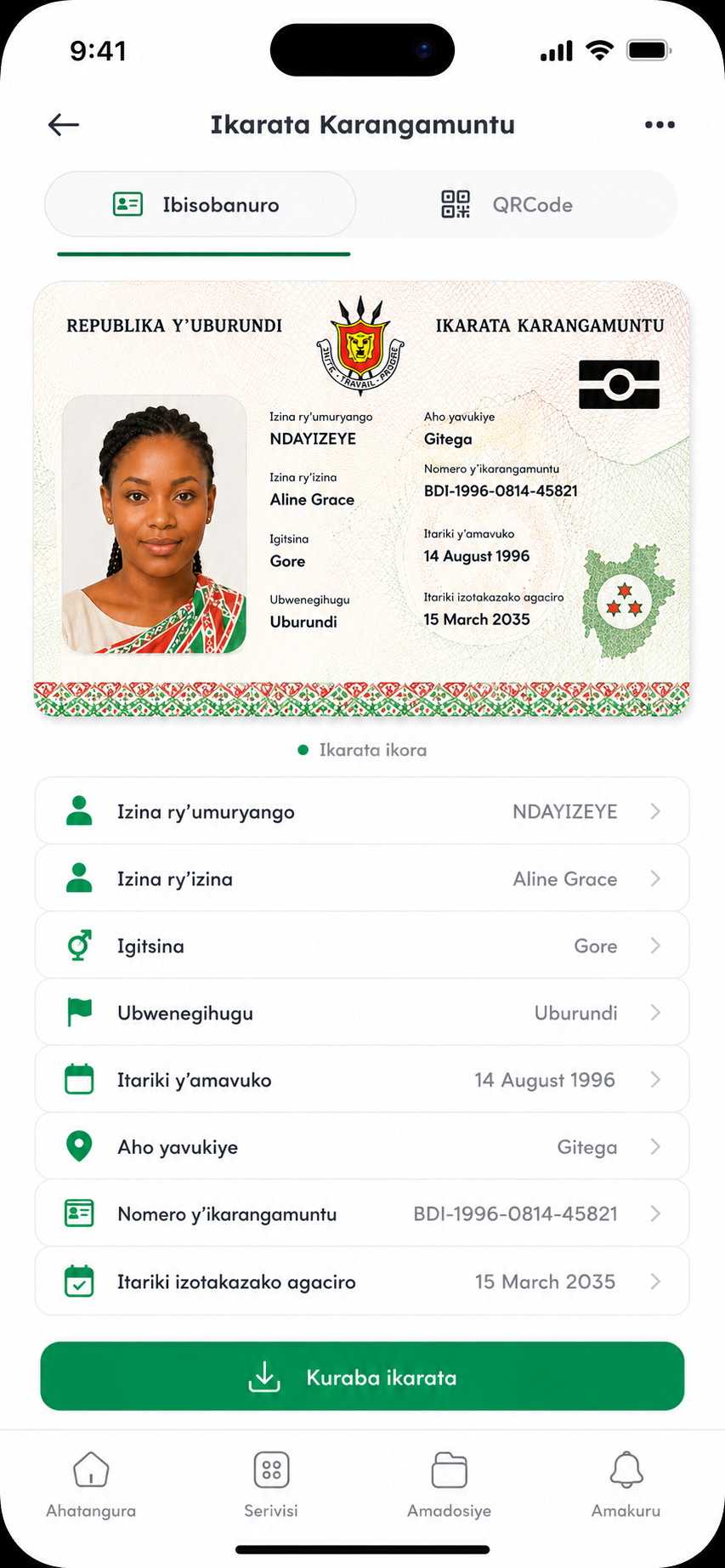
Your Digital ID is activated!
Your digital ID is now active and ready for use!
Help Centre
Frequently Asked Questions
Everything you need to know about Bumwe and your Digital Karangamuntu.